Week Fifteen: Creating a Working Prototype
During the meeting with our client at the beginning of this week, he recommended that we begin user testing as soon as possible. As such, our goal for this week was to produce a working prototype which we could pass onto the client in our next meeting. This prototype did not need to include all the desired features, however it was important that the key components of our system were working to receive meaningful feedback from user testing.
Authentication
Continuing on from last week, we used the django-allauth package to produce the signup and login pages for our website. This meant that the authentication backend was handled by the package, without us having to worry about storing sensitive user information.
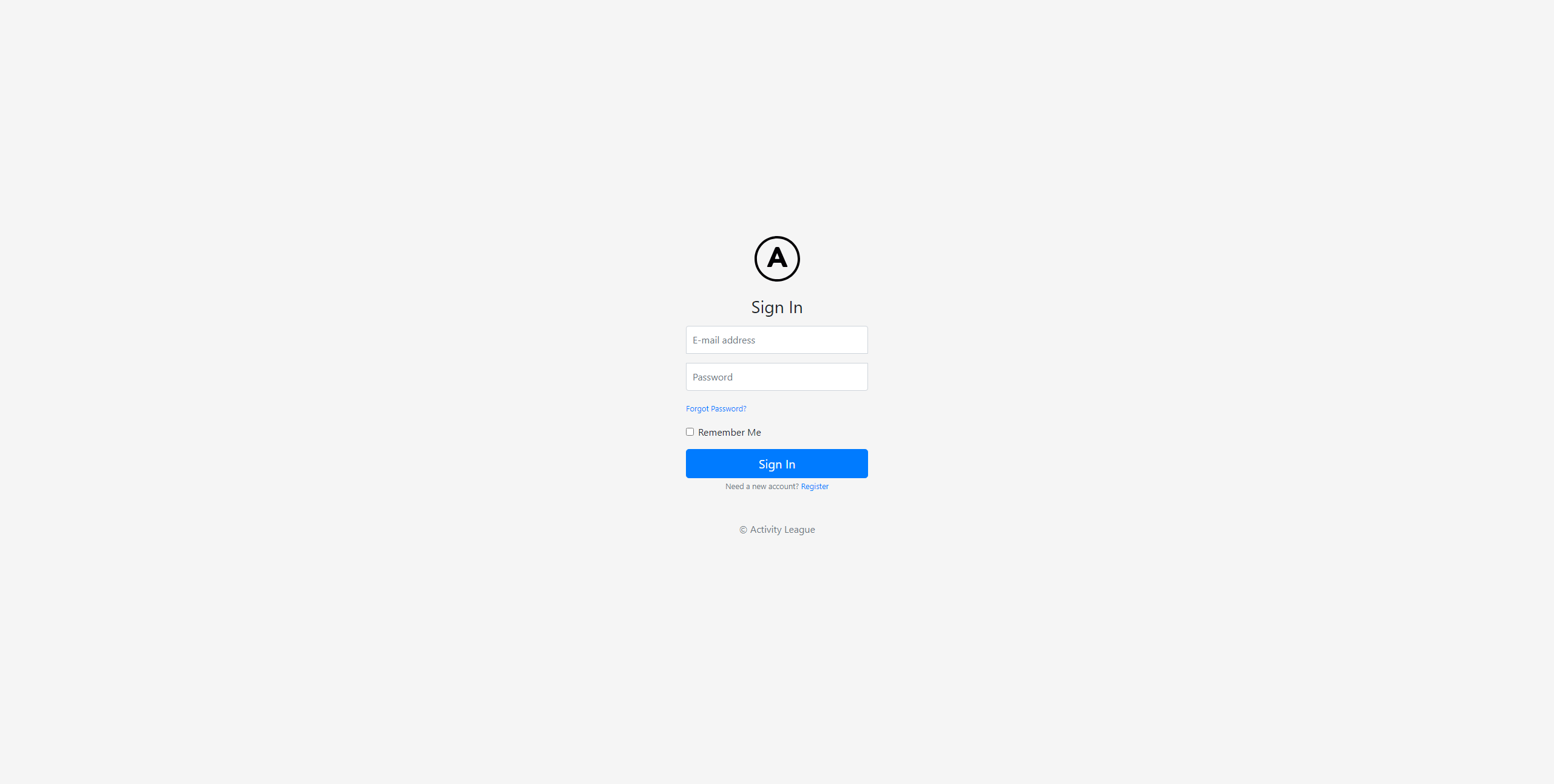
Login
The completed login page is shown below.
Sign Up
Clicking the ‘Register’ button will take you to the signup page shown below. As with the login page, this page is also integrated with the django-allauth package, however there are still some changes to be made.
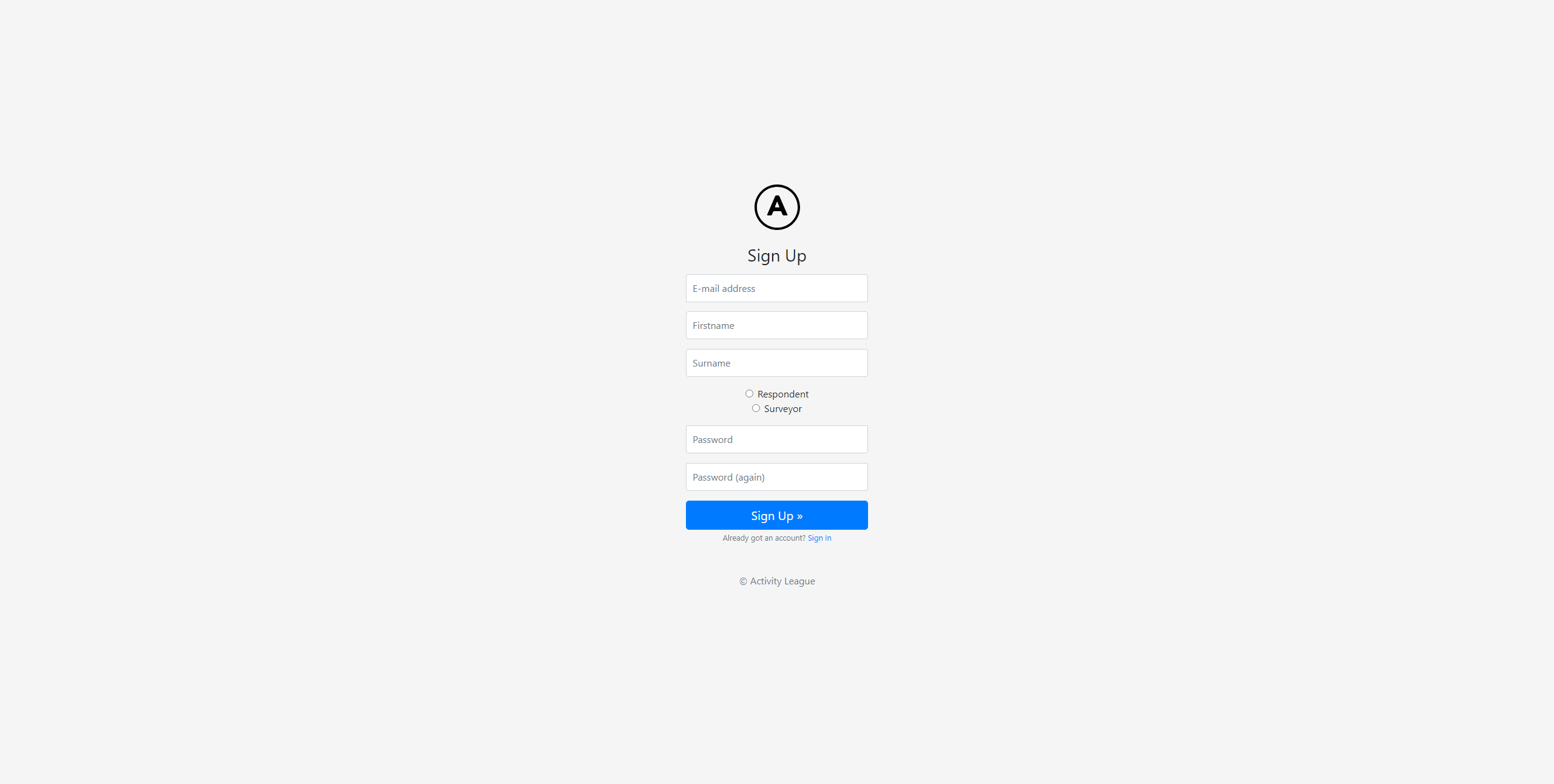
The radio buttons allow the user to choose whether to sign up as a surveyor or respondent, however these buttons are only a temporary solution.
Registration Issues
One problem with this implementation is that any user is free to register as a surveyor, which should not be the case. Another problem is that the current implementation does not consider how different organisations will be managed on the system, as the signup page should also register the user with their organisation.
We made some progress towards fixing these problems by using the django-invitations package to allow surveyors to automatically email unique invitation links which people can use to register on the system. However, since this would introduce further complexity, we decided to stick with the current functionality for the first prototype, and continue working on this area in the following week.
Privacy Improvements
Before setting up user authentication, a URL to the task overview page would look something like `/surveyor@pk1/task@pk2’, where pk1 and pk2 are the primary keys for the surveyor and task, respectively. This gives a clear privacy issue, as the primary keys used to identify records in the database are openly available to see in the URL. Since these primary keys are generated incrementally, allowing one key to be public also provides information about the values of other keys.
The issue of showing primary keys for surveyors and respondents was fixed through the django-allauth package. Rather than having to store the primary keys for users in the URL, this package allows us to define a LOGIN_REDIRECT_URL which sends the user to the appropriate page after logging in. Also, instead of having different URLs with individual Django views for the surveyor and respondent dashboards, we instead redirect to a ‘core’ dashboard view after logging in. This core view then redirects to the appropriate dashboard page depending on the type of user, meaning that the dashboards for surveyors and respondents will both have a URL of ‘/dashboard’.
A similar issue exists for other pages that are related to specific database entries, such as the task overview page, or response page. However, these sitations are not related to authentication, which means the primary key for the database entry must still be passed through the URL. As an alternative to the current auto-incremented integer primary keys, we decided to change all of our models to use Universally Unique Identifier (UUID) primary keys instead, which are randomly generated 128-bit numbers. As an example, the new URL for the task overview page would follow the format ‘/task/UUID’. This would be much more secure than our previous solution, as even if one primary key is accessible to the user, it does not provide any information about the keys of other entries in the database.
Task Overview
One of the core functionalities of our system is the ability for the surveyor to view feedback from tasks that they have set. The task overview page was mostly static at the start of the week, therefore it was essential to make this page dynamic for the working prototype.
As shown below, this page now displays dynamically updated information including the number of respondents who clicked the link for each question, pie charts showing the response distribution of likert scale and traffic light questions, and word clouds to visualise text responses.
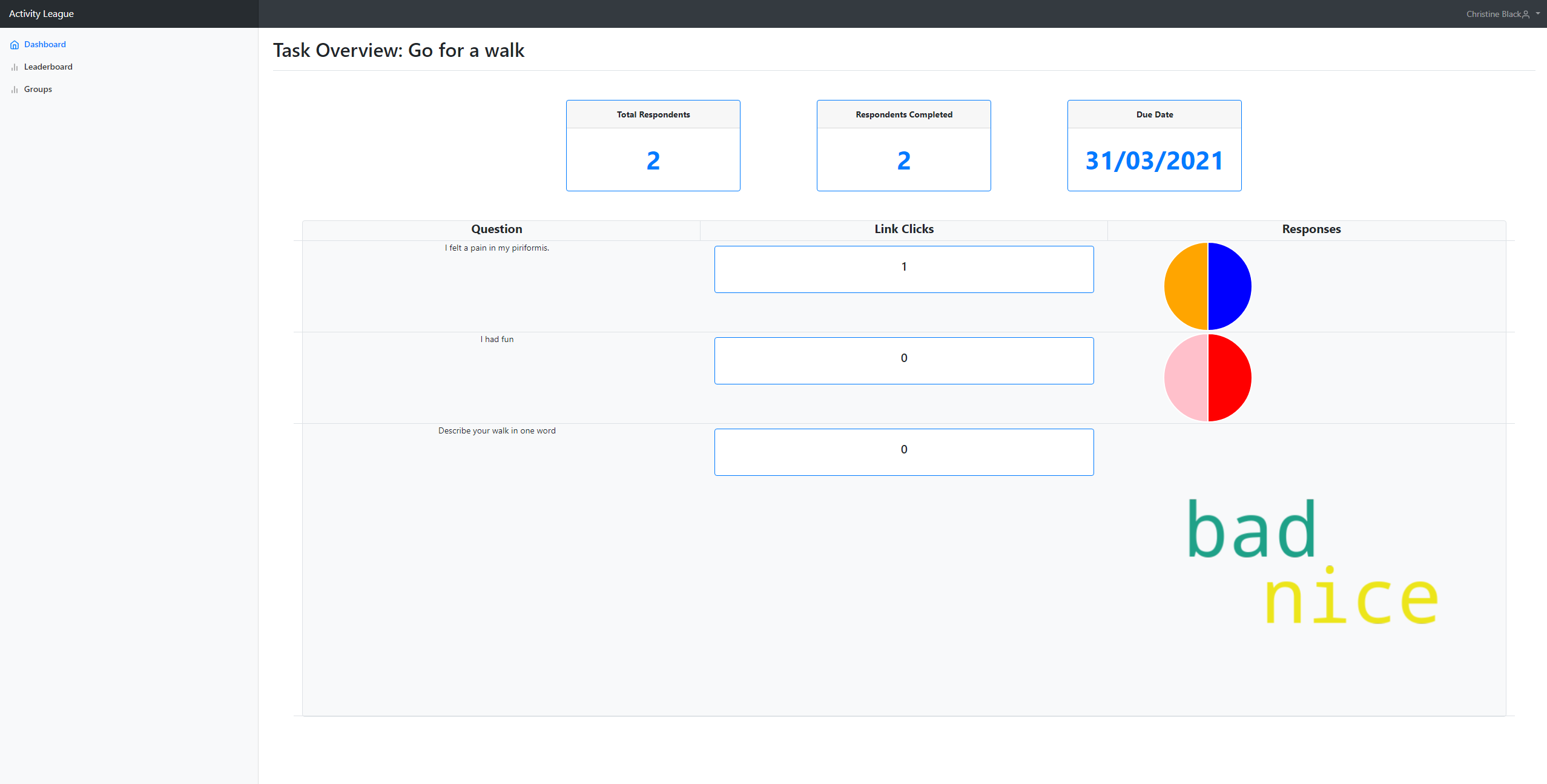
Clearly, there is still work to be done on this page. The questions are not formatted correctly, and the scaling is incorrect for many of the widgets on the page. However, since the core functionality is correct, it was not essential to complete the styling of the page for the purpose of a prototype.
Manage Groups
Another key feature of our system which was not yet implemented was the ability for surveyors to manage groups. This includes creating new groups, deleting groups, and adding/removing users from groups.
We added a ‘Groups’ tab to the sidebar, which takes you to the page shown below.
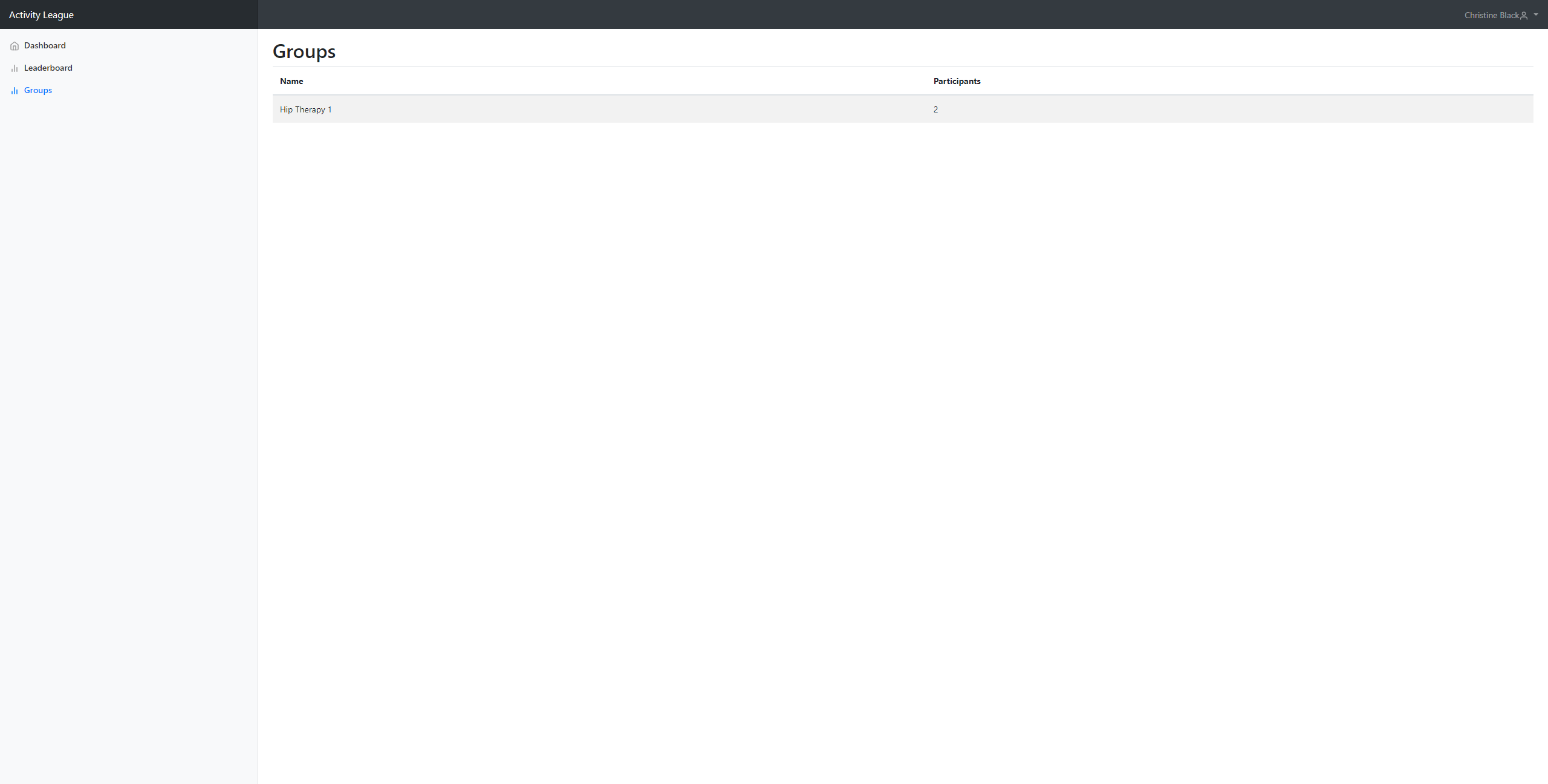
This page lists all of the groups that the surveyor manages, however this may not be clear as the surveyor currently logged in only manages one group.
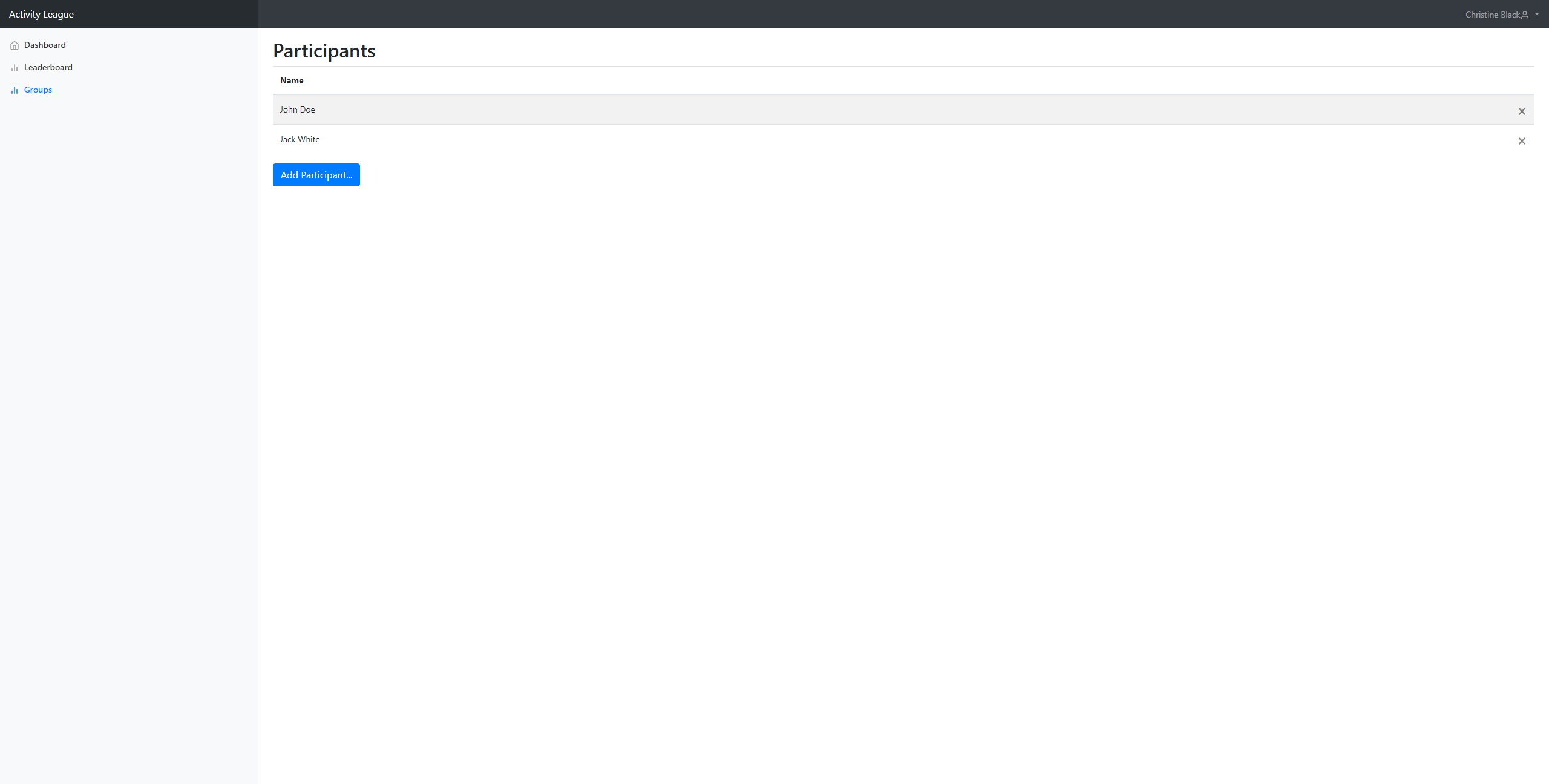
After clicking on a group, the user is taken to the page below, where they can add new participants to the group, or remove existing participants.
Next Steps
In the following week, we do not plan to make large changes to the system, as we will be waiting to receive feedback from our user testing. However, we will be using this time to work on aspects of the system which do not affect the core functionality too much, such as improving the styling of the task overview page.
In the coming weeks we will be required to complete a code review, which also means that we would like to improve the general codebase, separating the logic from the frontend as much as possible.
As mentioned earlier, we still need to implement an invitation system to manage organisations, however this may be a longer term problem rather than one we focus on for the next week.